Faster Campaign Setup and Instagram Engagement Rate
Set up campaigns with less scrolling, give clients one view of every campaign they can access, and read Instagram engagement rate without leaving Instagram.
This release is about getting campaigns off the ground faster. Campaign setup takes less scrolling, clients you invite can see every campaign they have access to in one place, and Instagram engagement rate is now readable without leaving Instagram.
A faster campaign brief
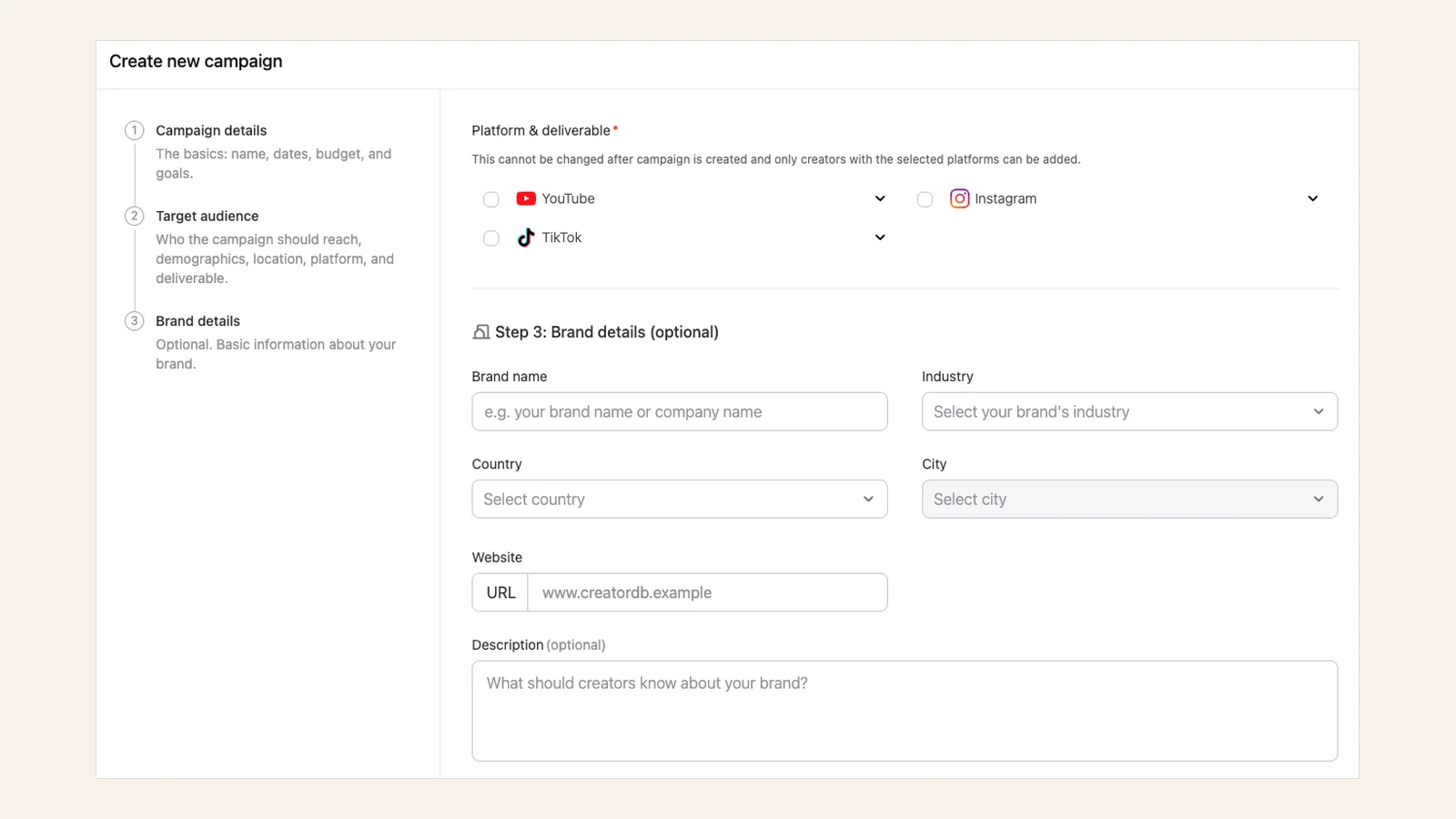
We’ve streamlined creating a new campaign in the CreatorDB app. The new campaign brief layout shortens the time it takes to complete a brief and cuts down the scrolling, so getting a campaign set up takes less back and forth than it used to.
Every client sheet in one list
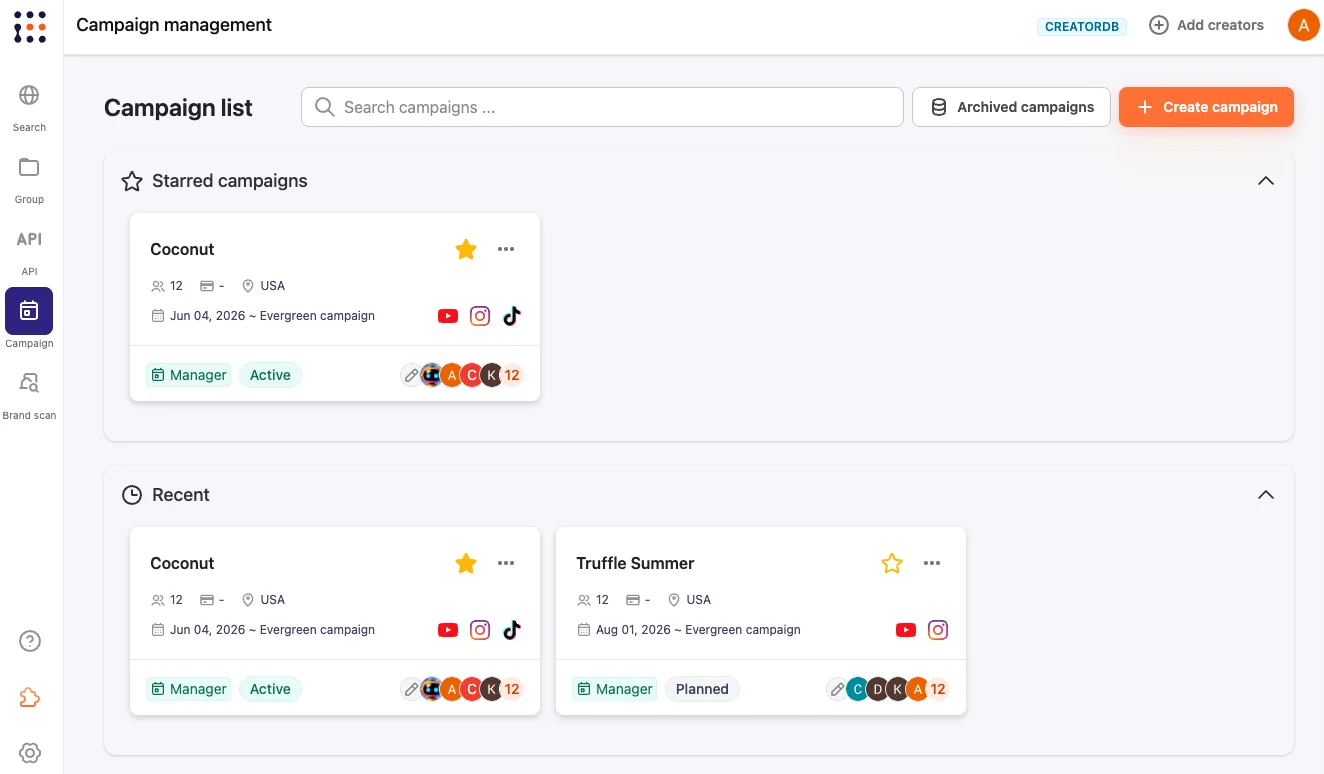
Clients you invite to review a campaign can now view every client sheet they have access to at a glance. All campaign information is compiled into a single list, including campaign name, status, dates, budget, target audience, platforms, and more.
Built for brand collaboration, the client sheet lets clients quickly view and approve proposed creators, track ongoing campaigns, and review their deliverables.
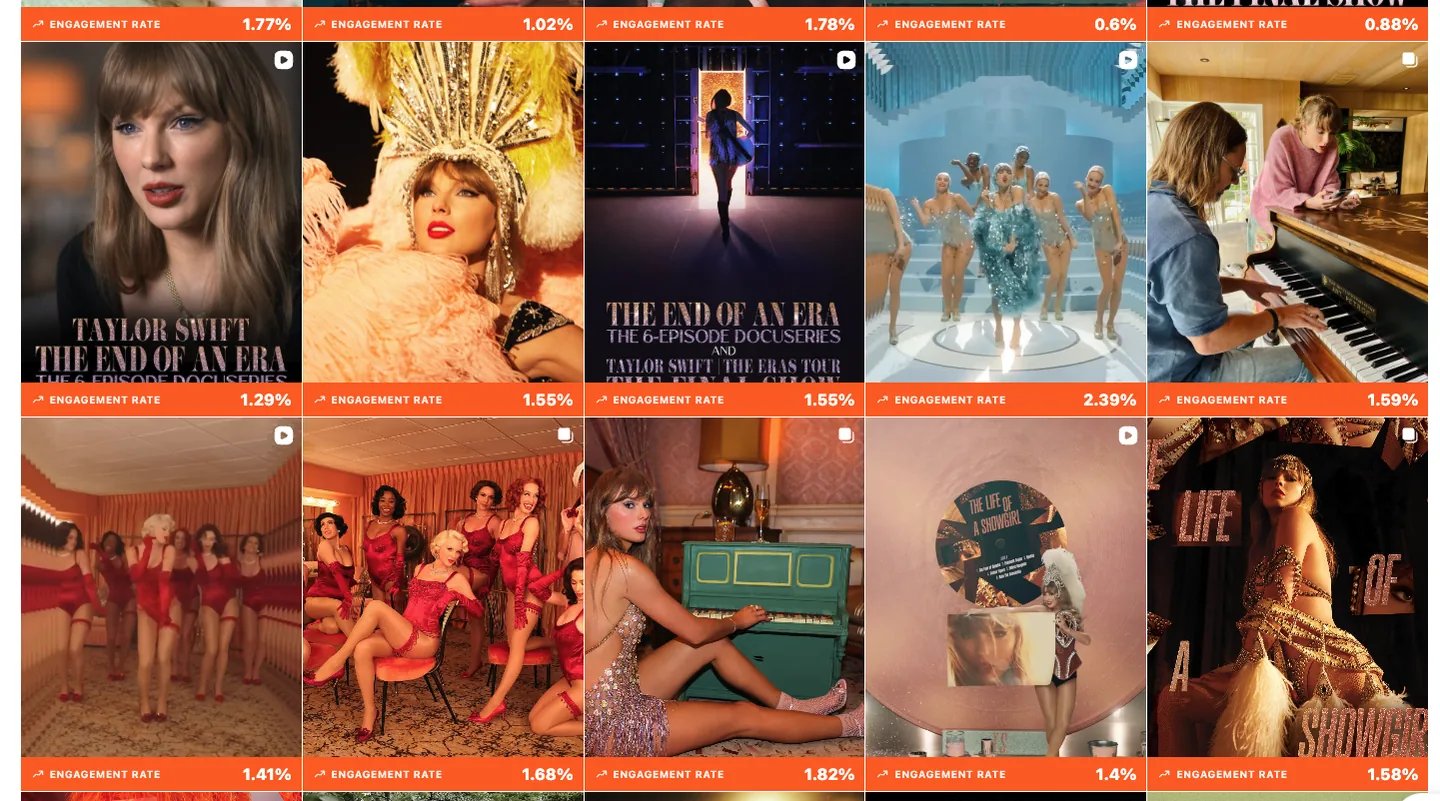
Instagram engagement rate in Creator Analytics
We’ve added an Instagram engagement rate readout to Creator Analytics by CreatorDB, our Chrome extension. You can now assess an Instagram post’s performance without leaving Instagram.
Clearer profile data
- Follower growth by platform. The Total Followers chart on a creator profile can now break follower growth down by platform while keeping the total view. The previous design showed a single combined line across platforms, which made it hard to tell which platforms were driving growth or decline.
- Profile metrics lead with what you prioritized. Creator profile metrics on each platform now lead with average views on YouTube, average likes on Instagram, and average plays on TikTok, each followed by engagement rate, then audience size. Time ranges are now clearly labeled: 90, 30, and 7 days.
What we fixed
- Fixed inaccurate audience demographic data on Instagram and TikTok.
- Fixed an issue where Instagram post video length showed “0m 00s” when no duration existed. It now shows an empty state instead.
That’s everything in this release. We value input from all of our users, so if there’s something you’d like to see in CreatorDB, please feel free to reach out with your feedback.
Work with CreatorDB
Run your next
campaign.
Open the CreatorDB app to start a campaign board and shortlist creators, or talk to our Asia agency team about running the whole campaign with you.
Frequently Asked Questions.
What changed in the CreatorDB campaign brief?
The campaign brief has a new layout that shortens the time it takes to complete a brief and reduces scrolling, so you can set up a campaign in the CreatorDB app with less back and forth.
What can clients see on the client sheet?
Clients you invite to review a campaign can now view every client sheet they have access to in a single list, including campaign name, status, dates, budget, target audience, platforms, and more. From there they can view and approve proposed creators, track ongoing campaigns, and review their deliverables.
How do I see Instagram engagement rate without leaving Instagram?
Install Creator Analytics by CreatorDB, our Chrome extension. It now shows an Instagram engagement rate on posts, so you can assess how a post performed while you browse Instagram.
What was fixed in this release?
We fixed inaccurate audience demographic data on Instagram and TikTok, and fixed an issue where Instagram post video length showed “0m 00s” when no duration existed. It now shows an empty state instead.