Launch Creator Campaigns Faster
Plan, launch, and track creator campaigns end to end, from shortlist to shipped, all powered by CreatorDB's creator data. Here is everything in the Campaign Management update.
Managing an influencer campaign means juggling creators, timelines, budgets, and stakeholders, all at once. Campaign Management brings everything into one place, built directly on top of CreatorDB's creator data, so the creators you find are the ones you launch with. No switching tools, no starting from scratch. Whether you are running a single product launch or managing campaigns across multiple clients, CreatorDB keeps your campaigns moving from day one.
Why Spreadsheets Keep Breaking Your Campaigns
If your campaigns live in spreadsheets, docs, and message threads, three things keep happening:
- Managing creators, statuses, and deliverables across spreadsheets leads to missed deadlines and lost campaign context.
- Running multiple campaigns at once with no centralized view means things fall through the cracks.
- Keeping your team aligned on who is doing what, and where each campaign stands, takes more time than the work itself.
Campaign Management is the fix: all your campaigns in one place, powered by the same creator data you searched with, real-time status tracking, and one shared view so your whole team is always up to date.
Create a Campaign in Minutes
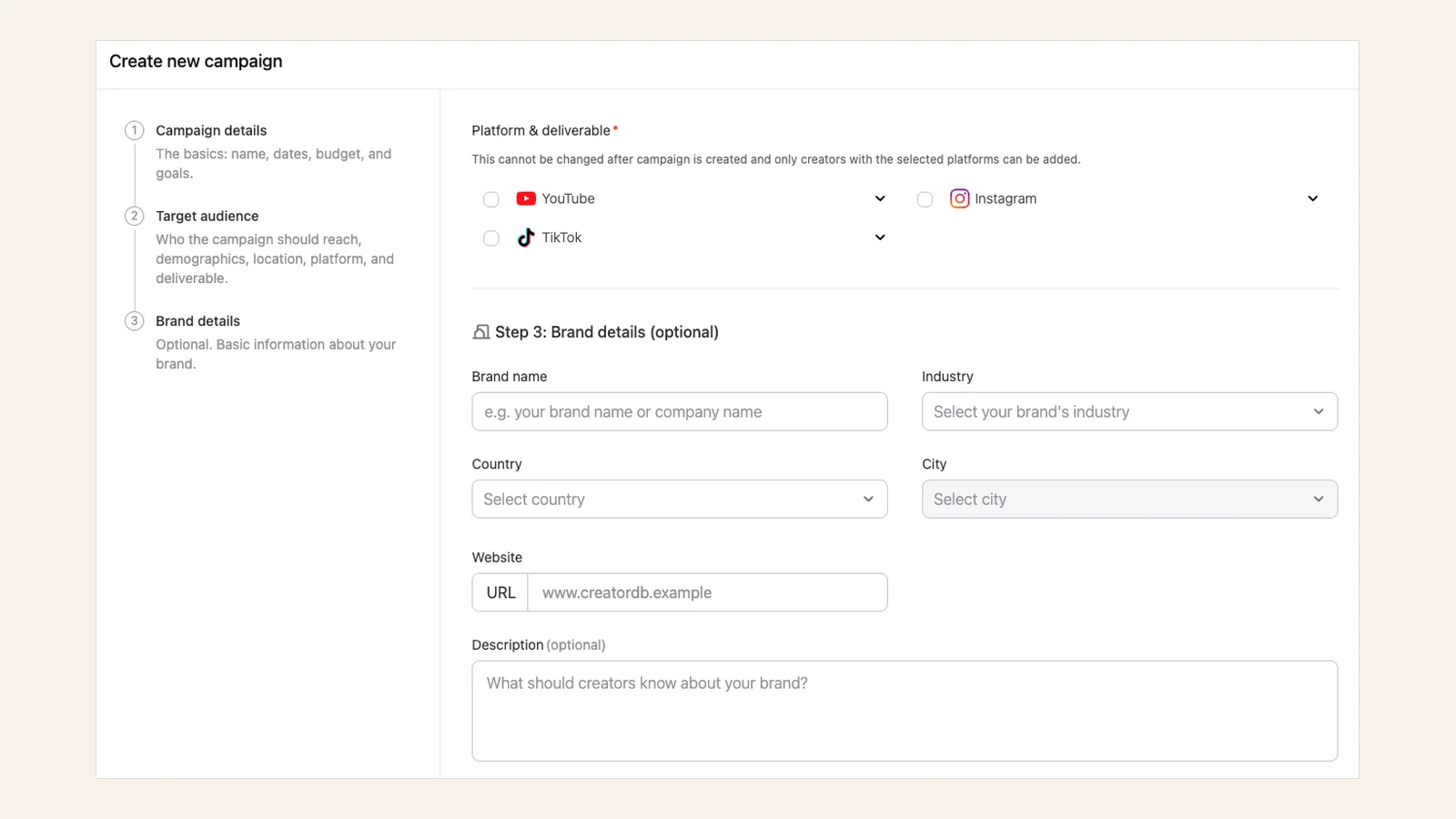
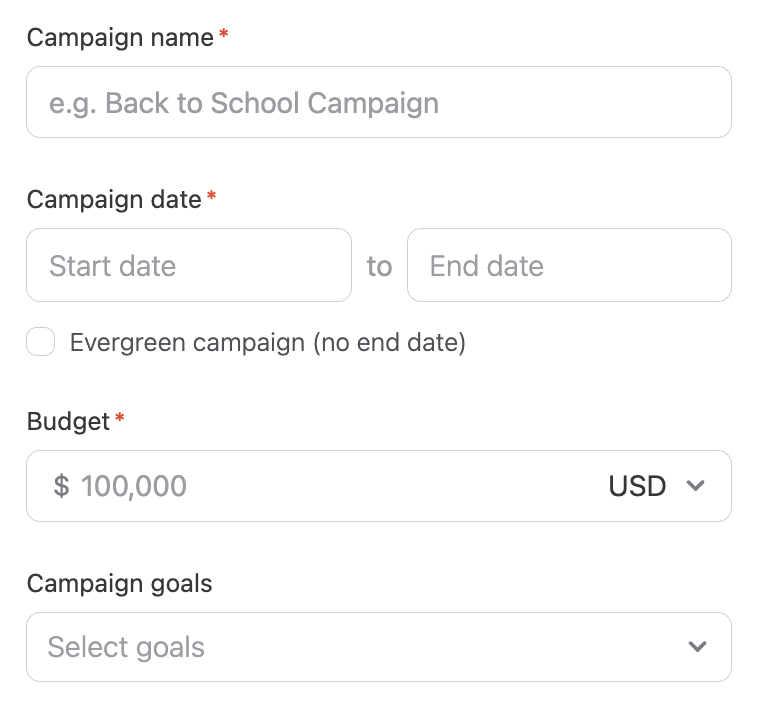
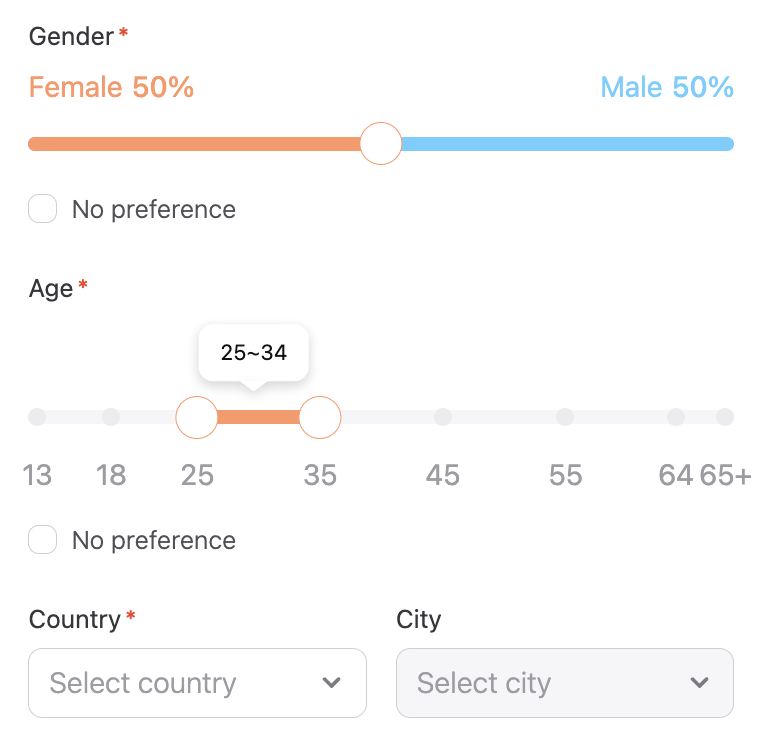
A guided setup flow walks you through the key details: campaign name, timeline, goals, and budget. No blank-slate anxiety, no missing fields. Once your campaign is set up, you are ready to start building your creator roster. Not ready to commit? Save it as a draft and come back whenever you are.
Build Your Creator Roster from Real Data
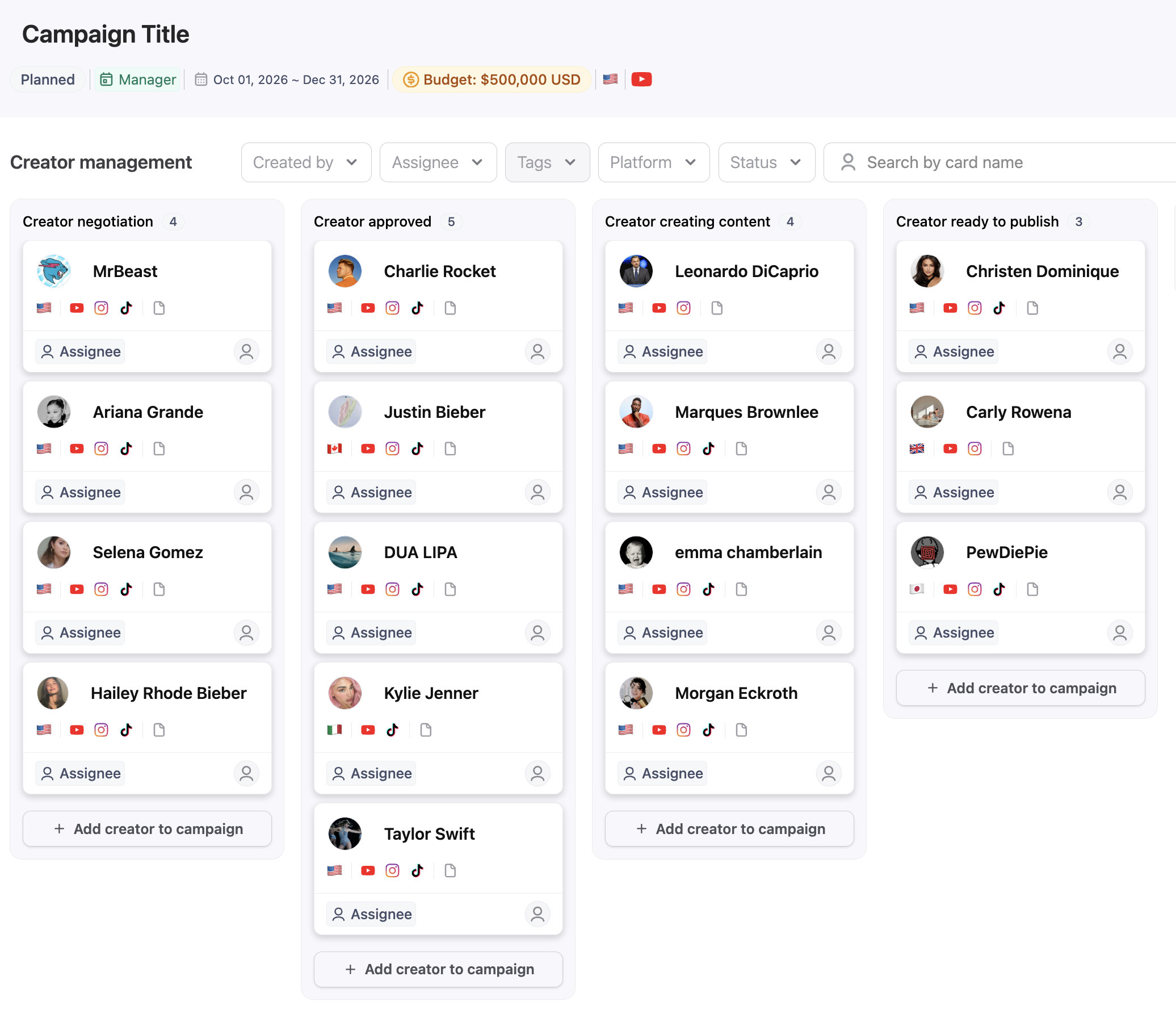
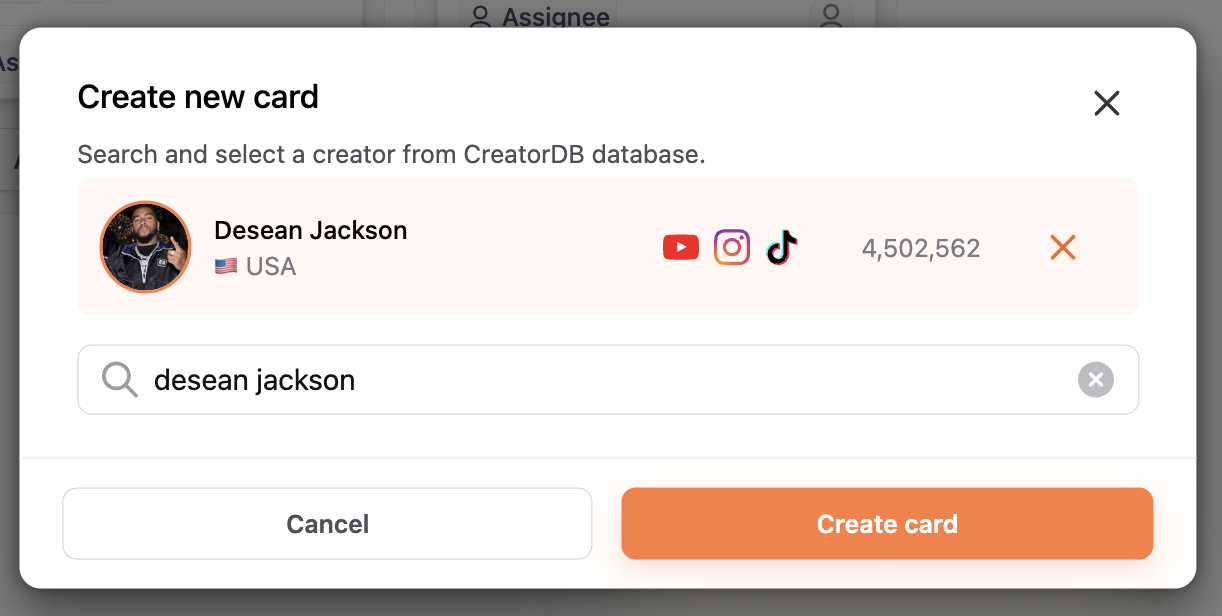
Because Campaign Management is built on CreatorDB's creator data, performance metrics, audience demographics and all, adding creators to a campaign is as simple as selecting them from your search results. No copy-pasting, no manual entry, no switching tools. Once they are in, you get a clean view of every creator's status and deliverables in one place, always in sync with your campaign.
Know Where Every Campaign Stands
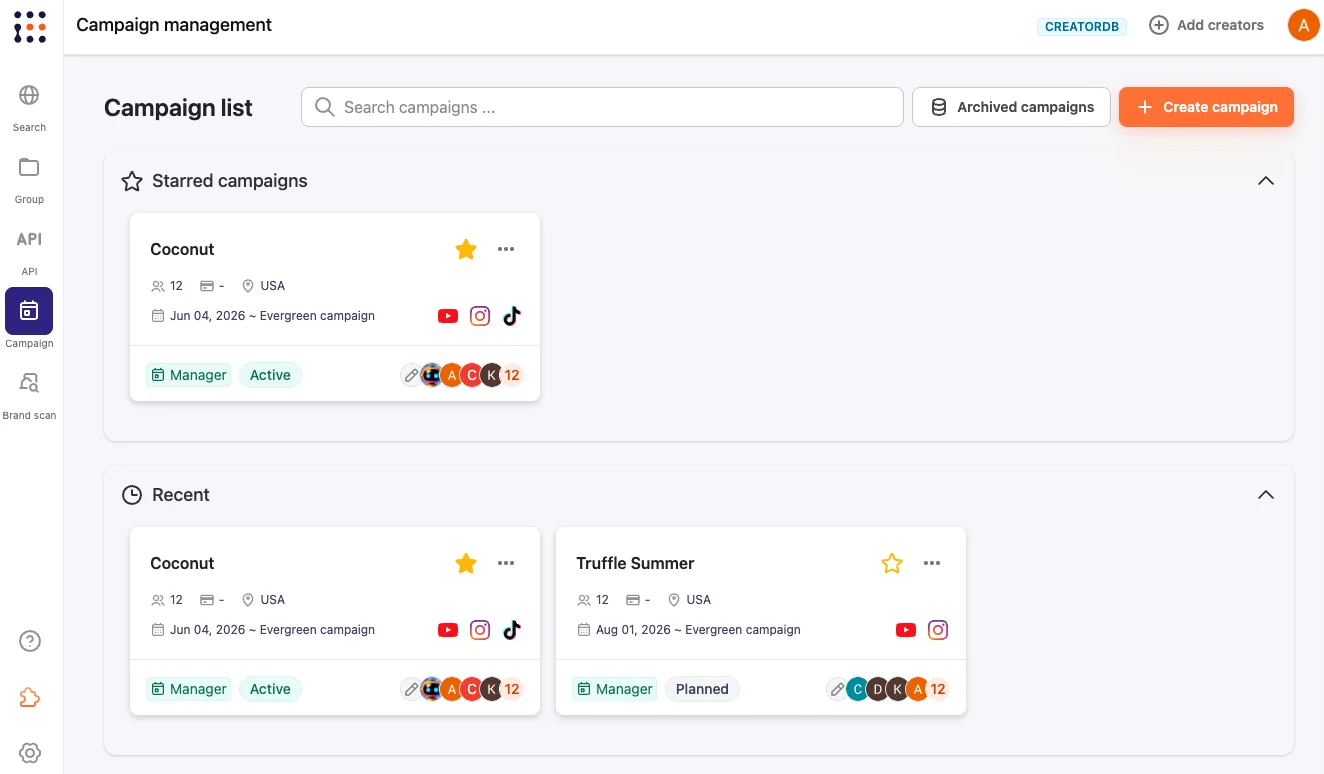
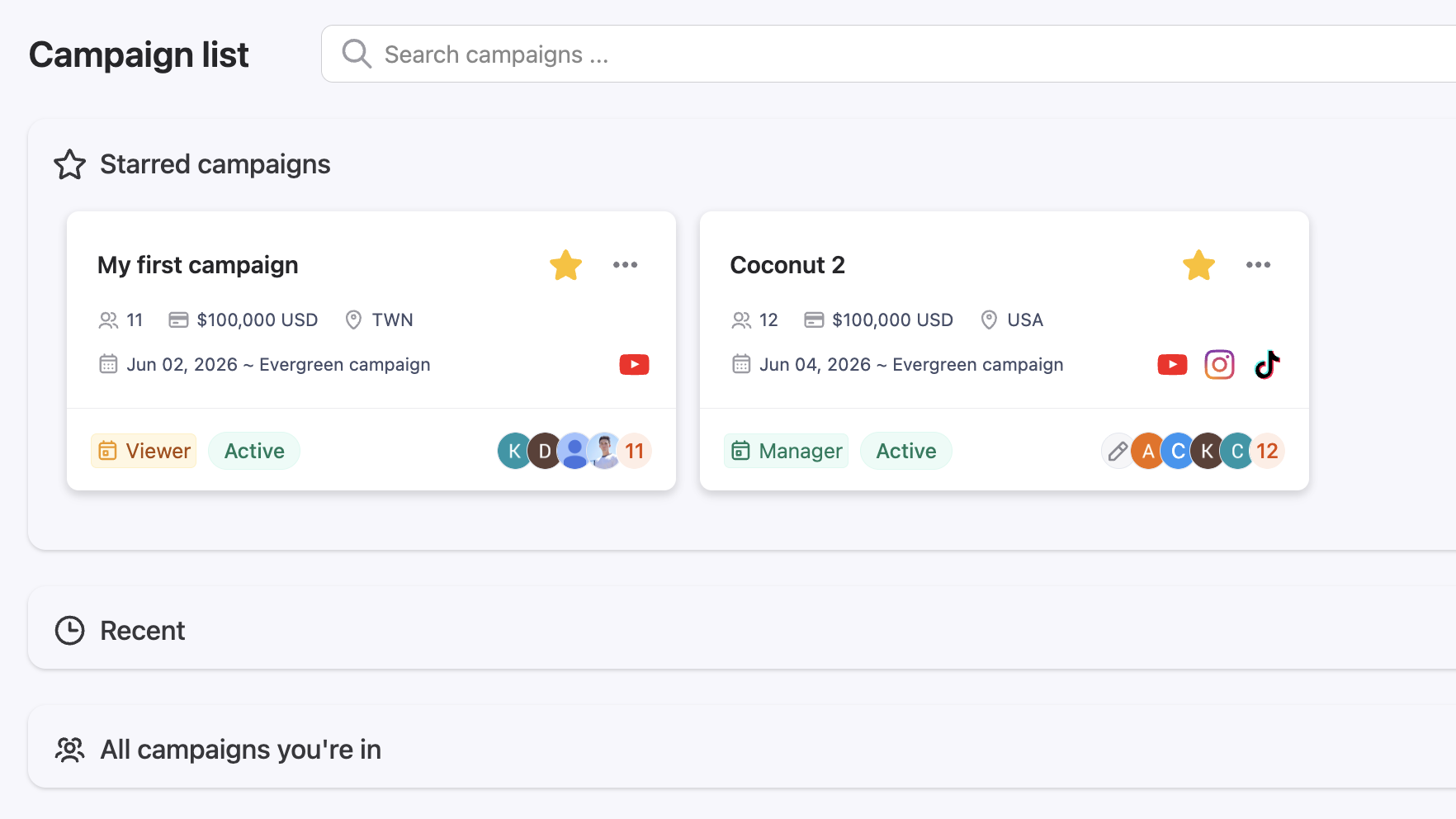
Campaign statuses move from Draft and Planned to Active to Completed, giving your whole team a clear, real-time picture of what is in flight and what is done. No more "wait, is this live?" The answer is always one click away. When you are managing multiple campaigns, the dashboard shows everything at a glance.

Stay Within Your Campaign Limits
Built-in cap tracking keeps your active campaigns within your plan, so you always know your current capacity. No surprises, no hitting a wall mid-launch. You will always have a clear view of how many campaigns are running and how much room you have.

Keep Your Team Aligned
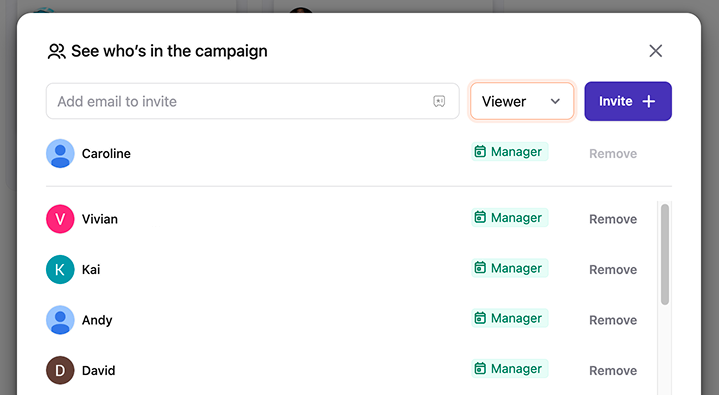
Everyone on your team works from the same campaign view. No version conflicts, no status check-ins, no digging through email threads to find the latest update. When something changes, everyone sees it. Campaign Management is designed for teams, not just individuals.
How It Works
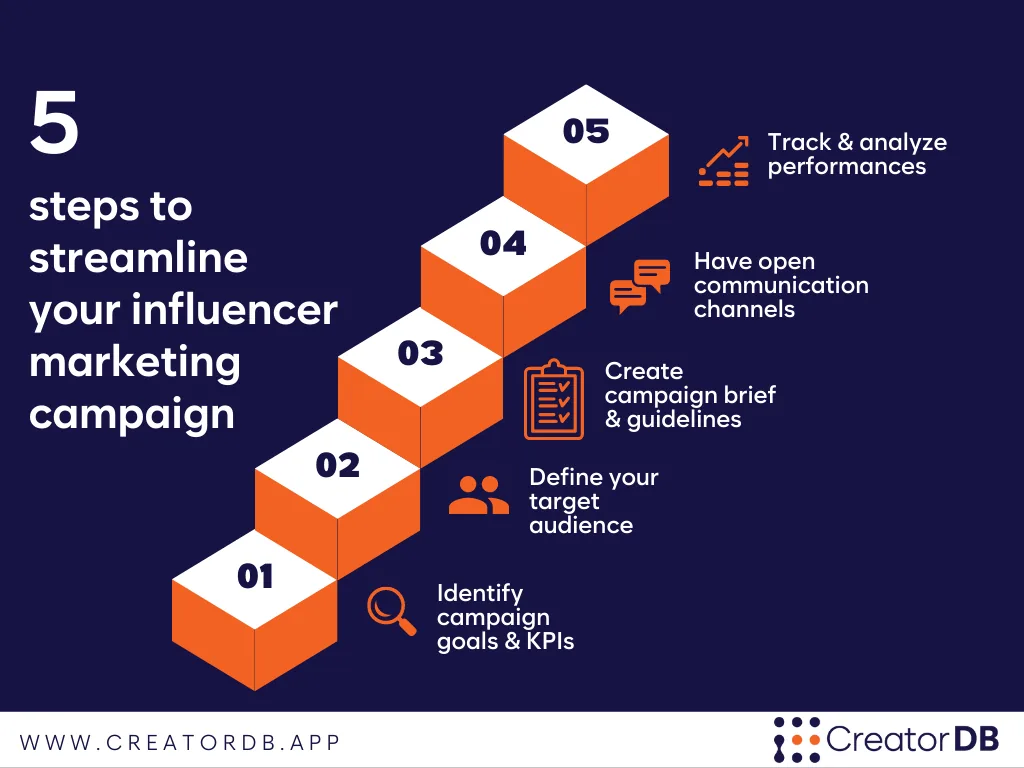
- Create. Set up a new campaign with key details: name, timeline, goals, budget, and target audience.
- Add creators. Pull creators from your discovery results directly into your campaign roster.
- Track. Monitor creator statuses and deliverables as the campaign runs.
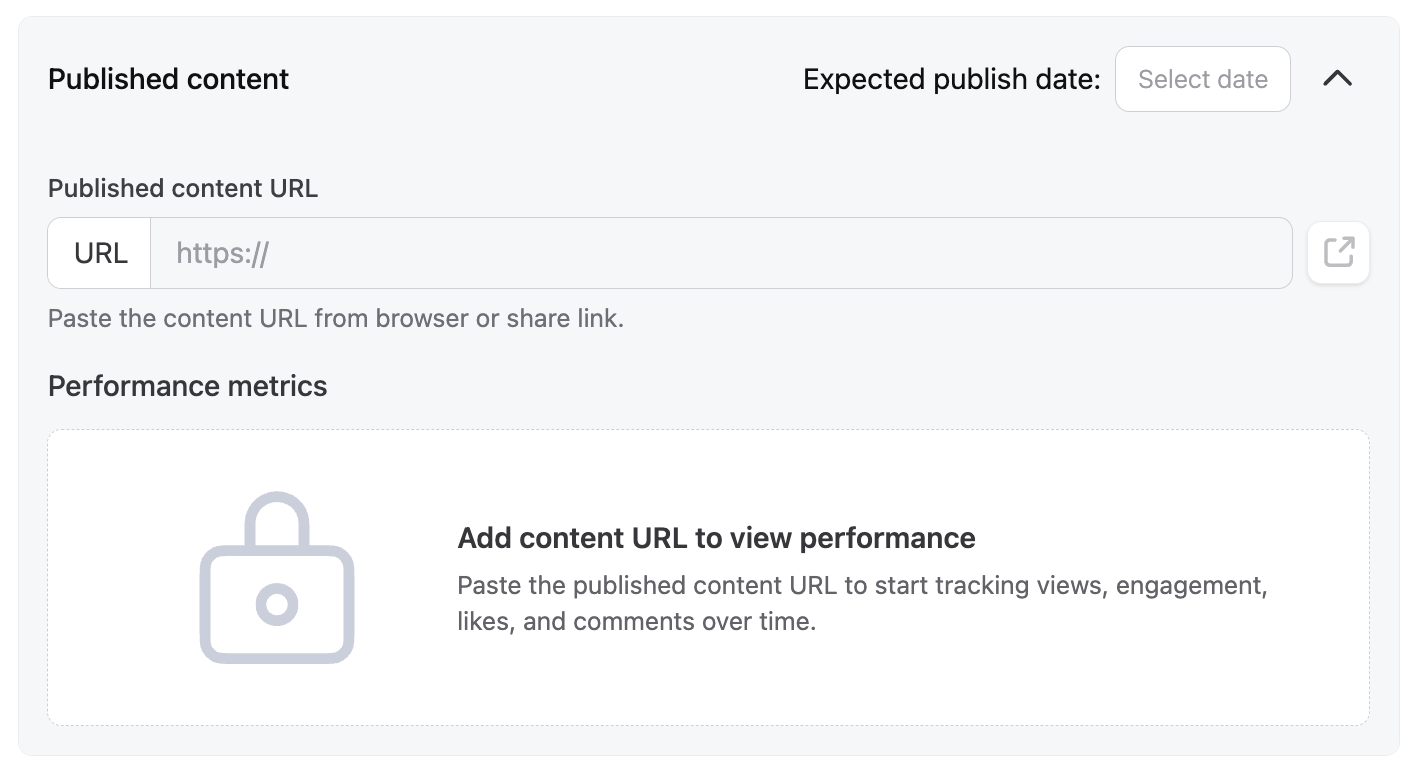
- Deliver. Move campaigns to complete and track the content and performance metrics each creator delivered.
Built for Brands and for Agencies
For Brands
Running creator campaigns in-house means wearing a lot of hats. Campaign Management gives your team a structured way to go from creator shortlist to live campaign without letting anything slip. Whether it is one product launch or an always-on program, you have everything you need to stay on top of it.
For Agencies
Managing campaigns across multiple clients means constant context-switching and even more stakeholder communication. Campaign Management keeps each client's campaign separate, organized, and easy to hand off internally. And with the Client Sheet, your clients get their own login to view campaign progress, so you spend less time on status updates and more time on results.
Campaign Management is live in the CreatorDB app now. Open the app, create your first campaign, and go from shortlist to shipped without leaving CreatorDB.
Trusted by brands and agencies
Manage your next
campaign.
Open the CreatorDB app to create a campaign, build your creator roster from real data, and track everything to delivery in one place.
Frequently Asked Questions.
Who is Campaign Management for?
It is built for both brands running creator campaigns in-house and agencies managing campaigns on behalf of clients. Any team coordinating multiple creators across a campaign will benefit.
How is Campaign Management different from a spreadsheet?
Most tools make you manage campaigns separately from your creator research. CreatorDB keeps it all connected: the creator data you use to find and vet talent is the same data that powers your campaigns, so there is no copy-pasting, no manual entry, and no separate docs to maintain.
Can I manage multiple campaigns at the same time?
Yes. You can run multiple active campaigns concurrently, up to your plan's limit. Your dashboard shows all active campaigns and your current capacity.
What happens if I am not ready to launch yet?
Campaigns can be saved as drafts and returned to at any time before going active. Nothing gets lost.
Can my whole team access a campaign?
Yes. Campaign Management is built for teams. Everyone on your account works from the same shared view, so there is no duplication or version confusion.
I'm an agency. Can my clients see the campaign?
Yes, through the Client Sheet. Clients get their own login to view campaign progress, so you do not have to manually share updates or export data. It is a clean, client-facing view that keeps everyone aligned without giving clients access to your full workspace.
How do I add creators to a campaign?
Directly from your search results in CreatorDB. Once you find a creator you want, you can add them to an existing campaign or create a new one on the spot.