CreatorDB v1.1: Video Data & Sentiment Analysis Updates
Explore CreatorDB v1.1 updates: new video data, sentiment analysis tools, and resource guides for influencer marketing campaigns in 2026.
Hi Everybody!
I’m excited to put together CreatorDB’s first post-release dev blog where I can share some new features and fixes in the latest release of CreatorDB. Many of these are medium-sized updates as we are preparing for a huge update in v1.2 which will have many new data points available for each creator. In the meantime, feel free to reach out with any suggestions or ideas, and enjoy your holiday season!
1. Resources page
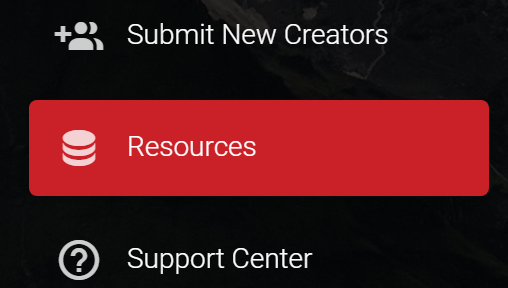
This page is where we will be hosting various guides related to influencer marketing that we create in-house. Our goal with these is to spread some of the knowledge we have gained working on several 5 figure influencer marketing campaigns. These are targeting marketers who have some familiarity but not much depth of knowledge for influencer marketing.
Currently, there are two guides on the Resources page, the first being a Guide to Influencer Marketing (25 pages) and the second being a Guide to Paying YouTube Influencers (15 pages).
2. Advanced searching (button & filtering)
First of all, we added a button to search instead of immediately filtering results based on any changes made. This should reduce loading times as well as not use up any unnecessary searching credits before you have selected all the filters you desire.
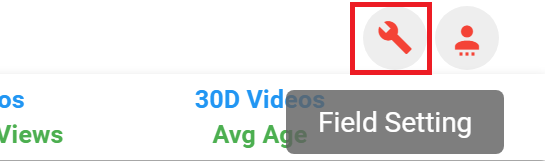
The button to access the filter settings within the Advanced Search.
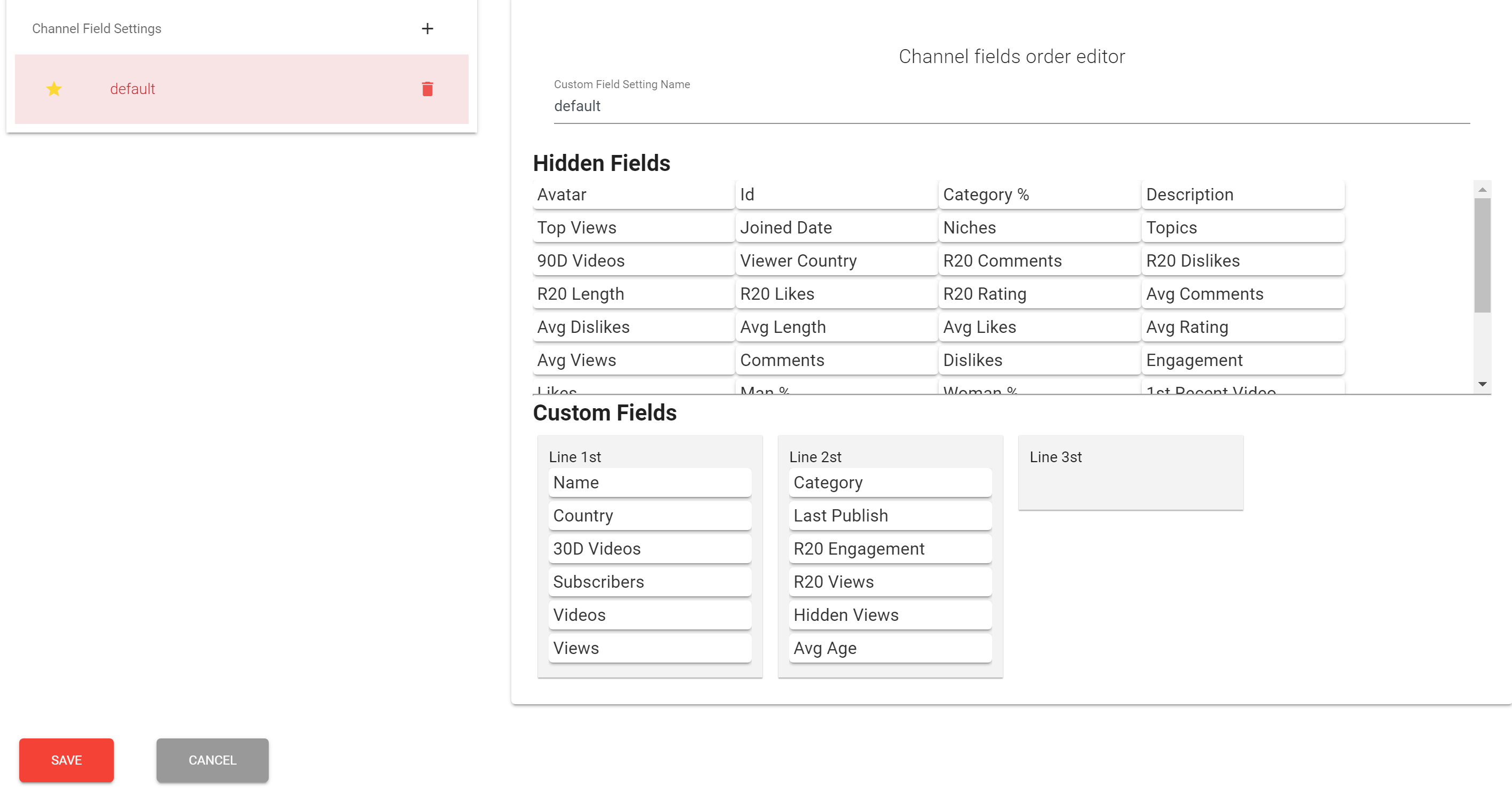
After going into the “Field Settings” the above screen appears which allows you to change which fields you want to be displayed in the search results. The third line of information can be added as well as swapping out any current fields for one of your choice. This update also added additional categories which can be made fields in the search result display including ranking data points for both totals and growth metrics.
3. Individual video data
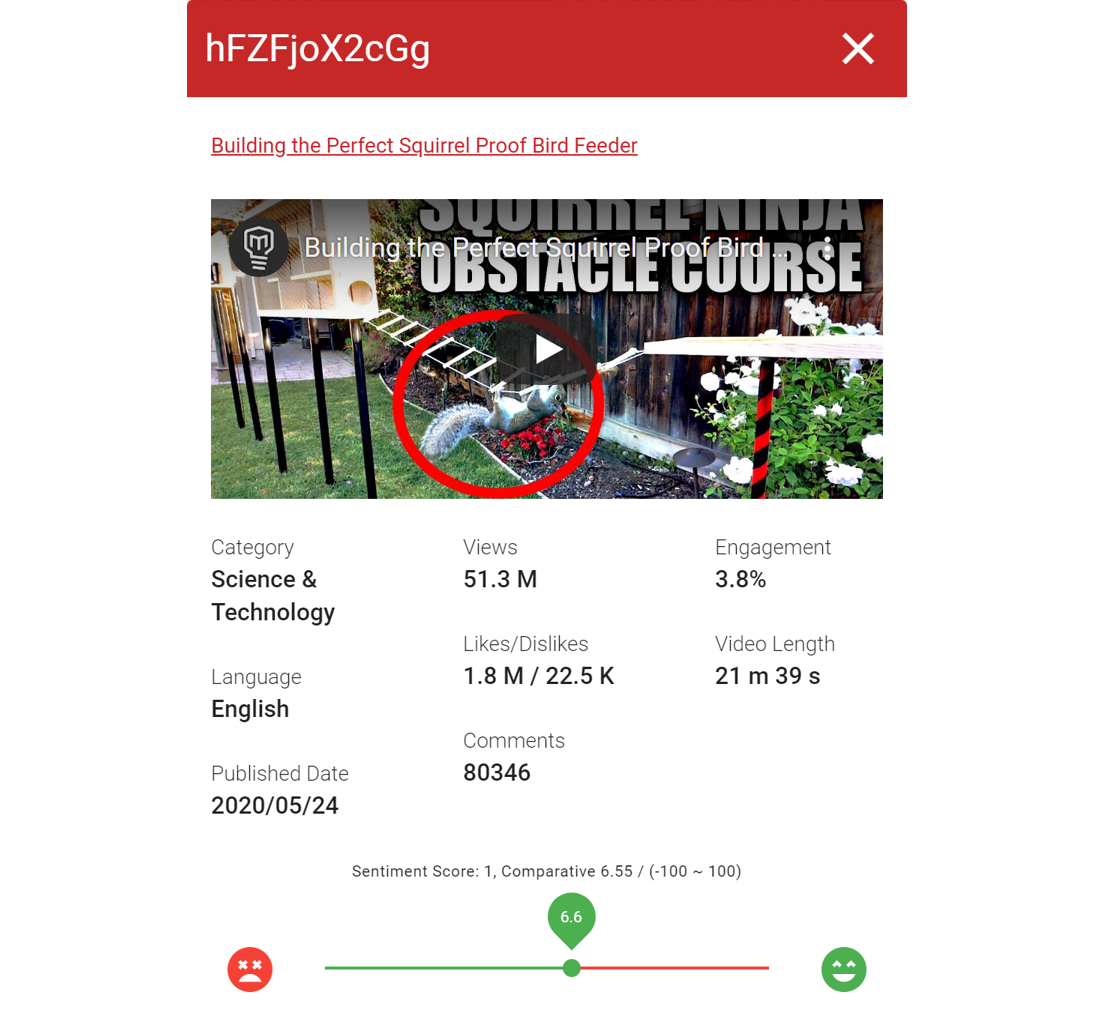
Within the channel details for each YouTuber, we have added an additional information panel for each video within their “Recent Videos”. This popup contains information specific to that video including its assigned YouTube category, language, when it was published, number of views, number of likes & dislikes, number of comments, its engagement rate, video length, and sentiment score (more details in the next section).
4. Sentiment analysis
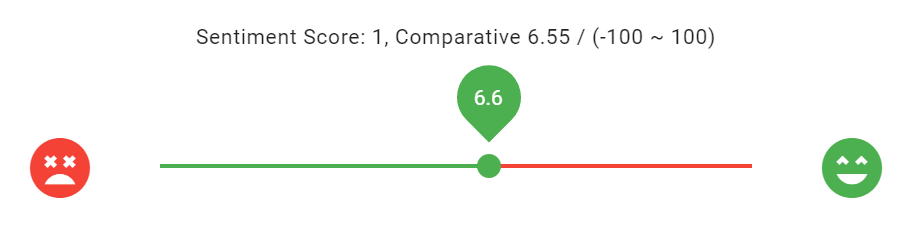
Sentiment score or sentiment analysis as a data point is meant to give an idea of how positively users are reacting to the content based on comments. The sentiment analysis is based on AFINN. AFINN is a dictionary of words rated for valence with an integer value between minus five (negative) and plus five (positive). Our implementation uses the latest version which is AFINN-165 and runs on the 20 top comments for each video in CreatorDB.
That’s a wrap for CreatorDB version 1.1! We expect to release version 1.2 in January 2021 which will have several data upgrades especially around Instagram and allow additional user interface customization depending on which social media is most important to the user. YouTube is the core of our statistics but we are working to be more platform agnostic and make sure that all influencer marketers can get the data they are looking for through CreatorDB.
Enjoy the rest of your 2020 and we hope you are looking forward to 2021 as much as we are!
Work with CreatorDB
Put this into
practice.
Talk to our Asia agency team about applying these ideas to a real creator campaign — or open the CreatorDB app and start building your shortlist now.
Frequently Asked Questions.
What new video-level data does CreatorDB now track for YouTube creators?
CreatorDB now displays individual video data including YouTube category, language, publication date, views, likes, dislikes, comments, engagement rate, video length, and sentiment score. This information appears in a popup panel within each creator's Recent Videos section, letting you evaluate content performance at granular level rather than channel averages alone.
How does CreatorDB's sentiment analysis measure audience reaction?
Sentiment analysis rates how positively audiences react to content by analyzing the top 20 comments on each video using AFINN-165, a sentiment dictionary that scores words from minus five (negative) to plus five (positive). The resulting sentiment score gives you a quantitative measure of comment tone beyond raw engagement metrics.
What's the benefit of the new Advanced Search button versus immediate filtering?
The new search button lets you configure all filters before executing the query, reducing loading times and preventing unnecessary credit usage. Previously, each filter change triggered an immediate search. Now you can set up your complete Field Settings—including new ranking data points for totals and growth metrics—then search once, saving both time and API credits.
What guides does CreatorDB's Resources page provide for marketers?
CreatorDB's Resources page hosts in-house guides targeting marketers with basic familiarity but limited depth in influencer marketing. Current offerings include a 25-page Guide to Influencer Marketing and a 15-page Guide to Paying YouTube Influencers, drawing from the company's experience running five-figure campaigns.
Can you customise which data fields appear in CreatorDB search results?
Yes. The Field Settings feature in Advanced Search lets you choose which data points display in results and swap fields for alternatives. You can add a third line of information and select from additional categories including new ranking data for both totals and growth metrics, tailoring the interface to your research needs.